Natural pitch correction
Vocals should sound perfectly in tune, but undoctored.
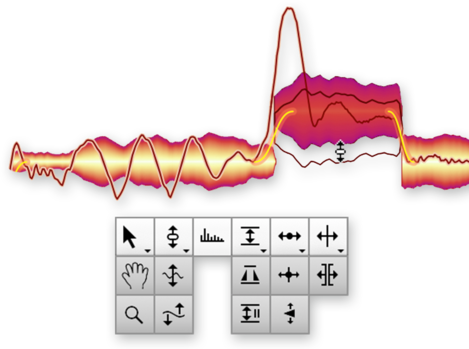
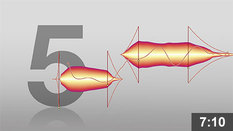
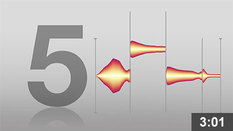
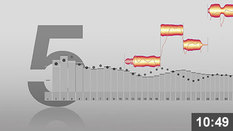
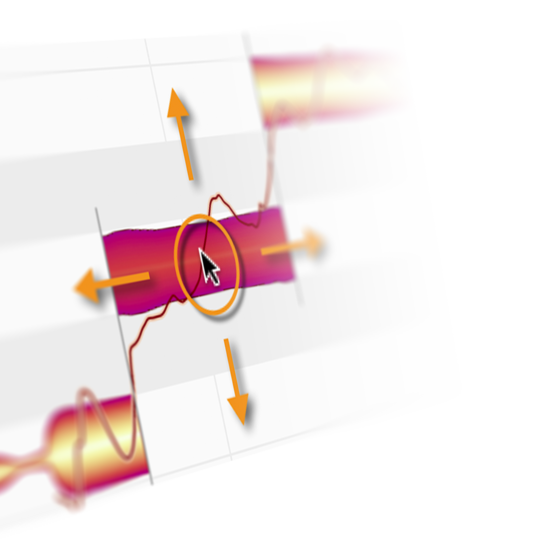
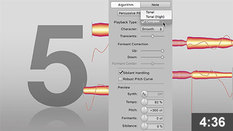
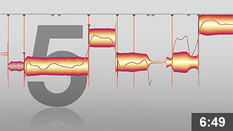
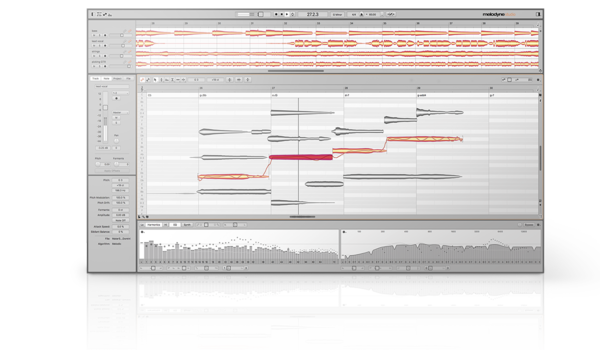
Three independent tools are offered for pitch correction that allow you to modify the intonation and vibrato of a performance in such a way that its flaws vanish but its vitality, presence and penetration remain intact. This can be done with surgical precision by hand or using the intelligent macro, which, like a trained ear, can distinguish between the kind of deviations and fluctuations in pitch that are unintended and the kind that are the lifeblood of a perfect performance.
You obtain vocal tracks that are as perfect as you could wish, yet sound as though they’d never been touched.
Three independent tools are offered for pitch correction that allow you to modify the intonation and vibrato of a performance in such a way that its flaws vanish but its vitality, presence and penetration remain intact. This can be done with surgical precision by hand or using the intelligent macro, which, like a trained ear, can distinguish between the kind of deviations and fluctuations in pitch that are unintended and the kind that are the lifeblood of a perfect performance.
You obtain vocal tracks that are as perfect as you could wish, yet sound as though they’d never been touched.